Megacubo is a free, open-source IPTV player designed to organize and stream live TV channels from public or private playlists. If you rely on a premium IPTV subscription or extensive public lists, this application acts as a unified hub.
Unlike traditional media players that handle local files, Megacubo focuses strictly on internet broadcasts. It aggregates channels from multiple sources and presents them in a searchable, TV-style interface, saving you from manually switching between different playlist files. The software is available for Windows, macOS, and Linux, serving as a dedicated client for your streaming content.
IPTV playback and streaming features
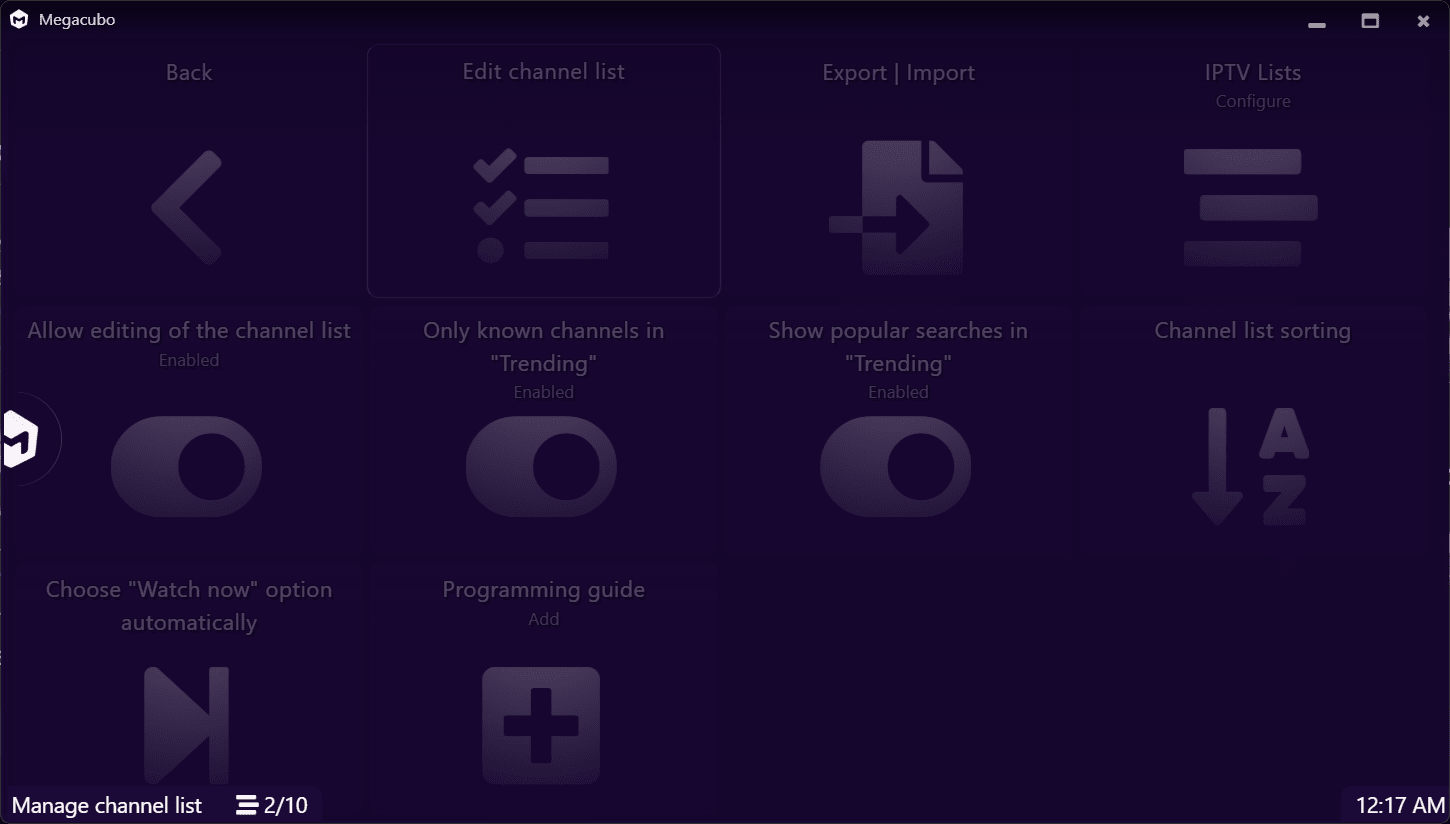
You can load standard M3U playlists and instantly access your channels without leaving the application. Once everything populates, you can bookmark favorites for quick access later. The player includes a Miniplayer (Picture-in-Picture) mode for background viewing, casts directly to Chromecast devices, and lets you capture live broadcasts straight to your local drive.
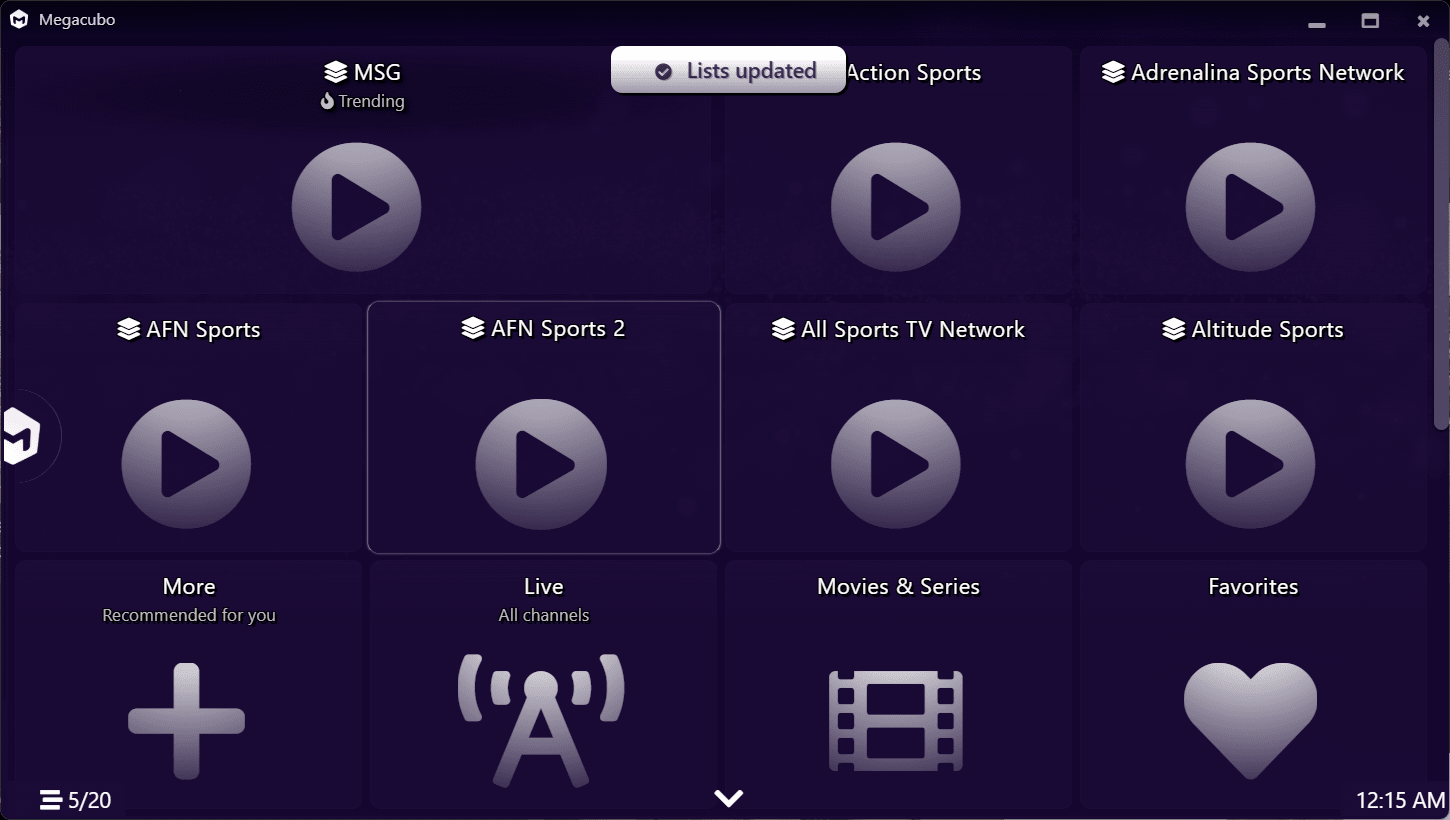
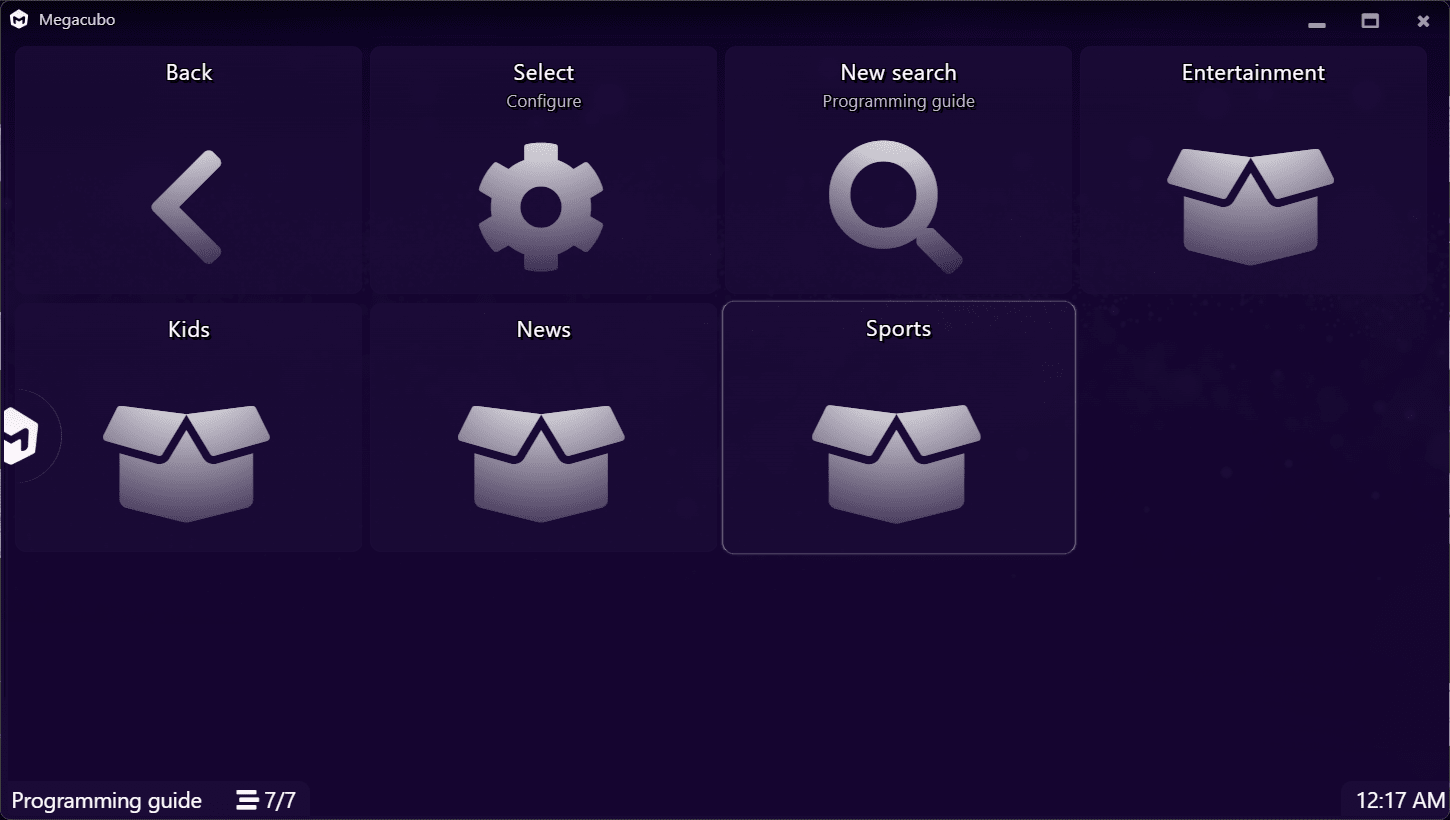
Everything sits inside a TV-like layout that makes flipping between streams feel natural, eliminating the need for complicated external players.Channel discovery and Community mode
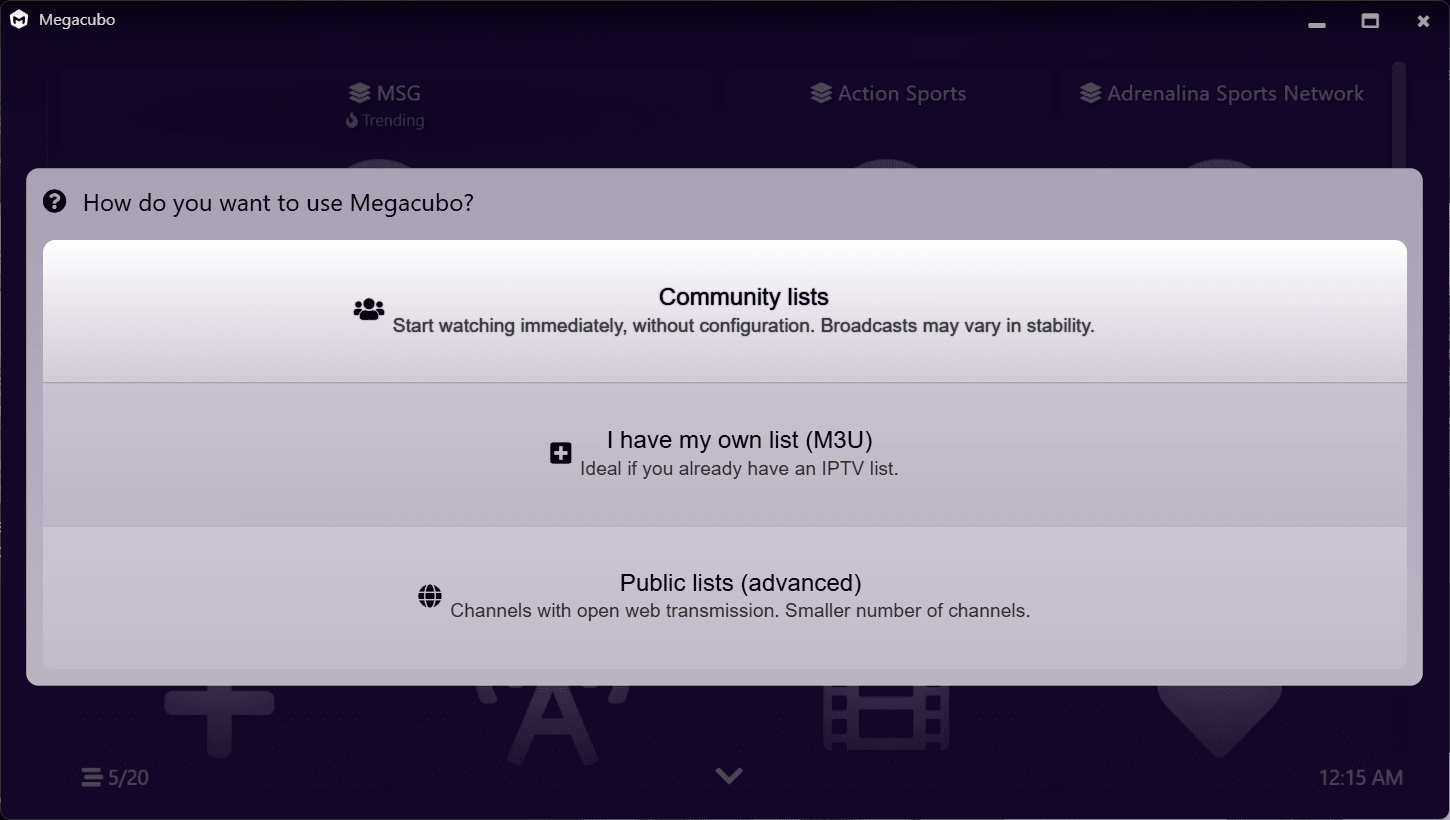
Instead of relying solely on manually added playlists, Megacubo features a Community mode that aggregates streams shared by other users. This centralized system categorizes channels by genre or source, helping you quickly track down sports, news, or regional broadcasts. Built-in Electronic Program Guide (EPG) support pulls schedule data to show you exactly what is airing right now.
The interface mimics a standard digital TV experience with simple navigation controls, making it highly accessible even if you have zero technical experience with IPTV configurations.Performance and setup
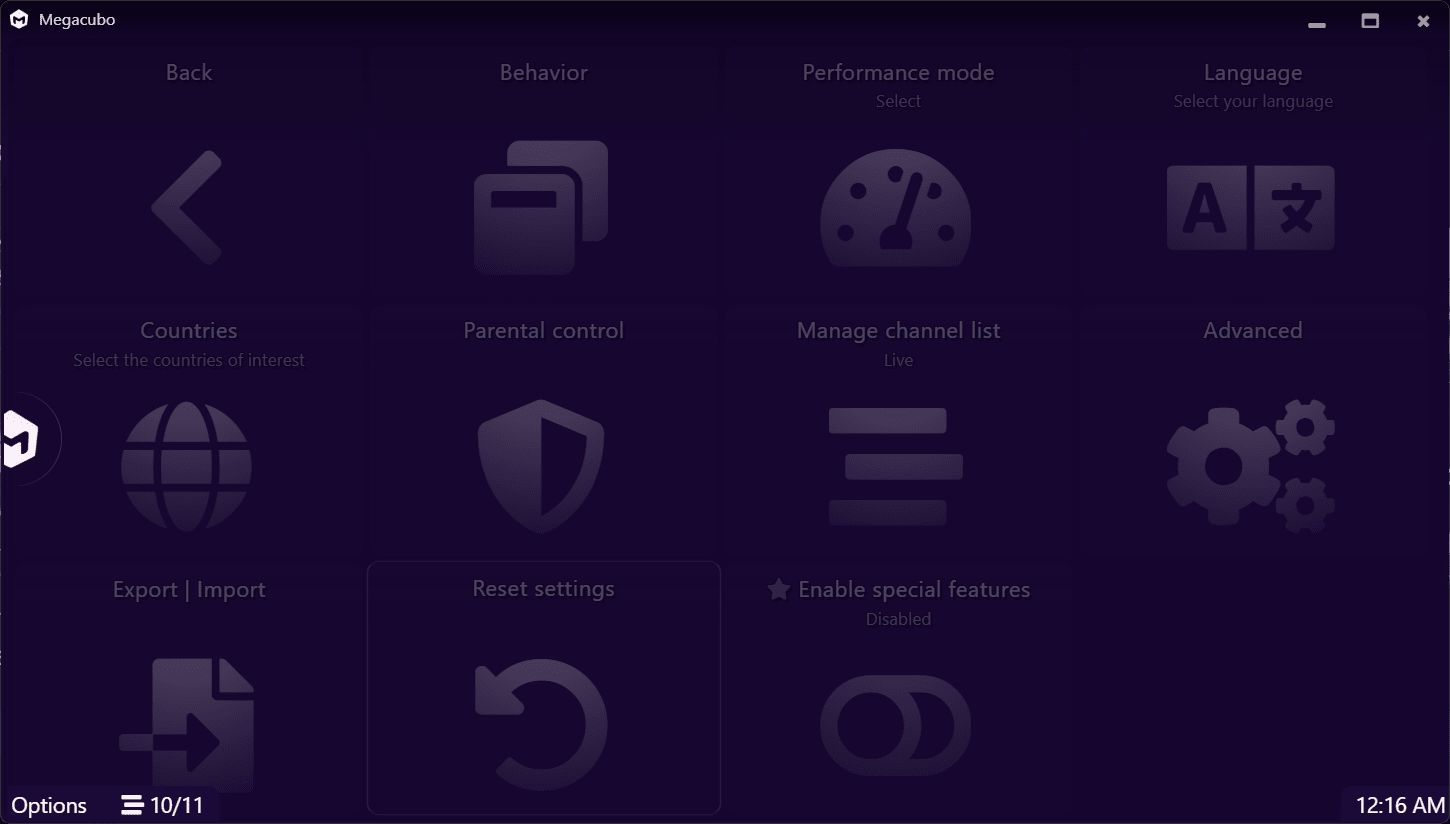
The software runs efficiently on most systems, handling continuous streaming without eating up CPU resources. It constantly syncs with external sources to refresh your channel list on launch, ensuring your links stay up to date. While daily operation is straightforward, the initial setup can confuse users unfamiliar with M3U formats.
Naturally, playback stability and content availability depend entirely on the quality of your external sources rather than the player itself.Pricing and availability
Megacubo operates on a completely free, open-source licensing model with no hidden premium subscriptions.A simple yet effective IPTV hub for live TV streaming
This application delivers a straightforward way to access and manage live streams in one place. Its broad playlist support and TV-style browsing experience make it a highly practical tool for anyone heavily invested in IPTV services. While it does not provide its own content and relies strictly on the links you feed it, it excels as a dedicated player to organize and watch your favorite broadcasts.